From SharePoint to Teams: More Than Just Chat - The New Standard for Collaboration
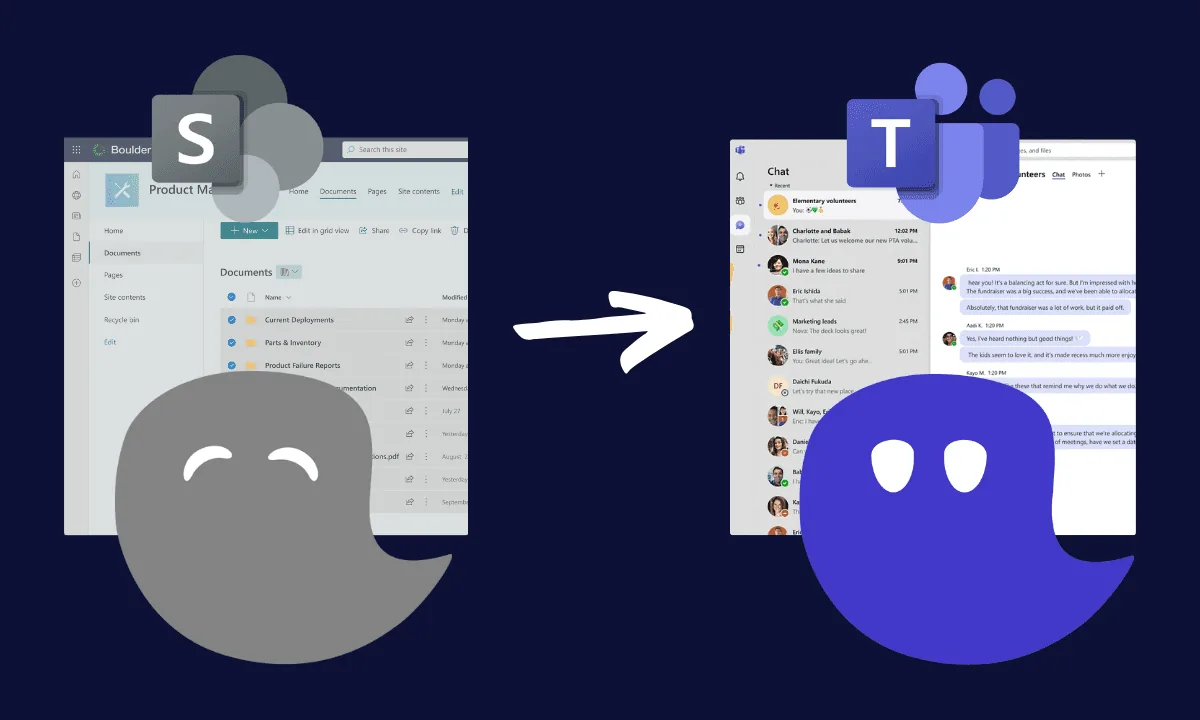
The demands on digital collaboration have changed drastically. Flexibility, real-time communication, and intuitive tools are no longer a luxury - they're essential. You might already be using SharePoint as the foundation of your internal collaboration. But if you're honest, you've likely noticed: SharePoint increasingly hits its limits. Microsoft Teams is no longer just a supplement - it has become the superior platform, putting modern work methods at the center.
Why SharePoint Is No Longer Enough for Many Companies
Many organizations - maybe even yours - face growing challenges in their daily work with SharePoint. Does any of this sound familiar?
- Navigation is complicated - you constantly get lost in deep folders, sites, and libraries.
- You send documents back and forth instead of working on them collaboratively.
- Even small changes require IT support or technical expertise.
- The interface feels clunky and not aligned with your everyday work needs.
- Older on-premises versions create extra maintenance and pose security risks.
It's no surprise that many SharePoint intranets go unused - digital collaboration stalls instead of progressing.
What SharePoint Users Want - and How Teams Delivers
As a SharePoint user, you're probably wishing for:
- More clarity and transparency
- A central hub to manage everything
- Quick, easy communication
- Fewer tools and less switching between platforms
- Modern, secure technology without update headaches
Microsoft Teams offers all of that - and more. It consolidates your digital toolkit, brings structure to your communication, and connects your processes in one central platform.
Are You Using Microsoft Teams Efficiently? - 7 Self-Assessment Questions
Today, the question isn't whether you're using Teams - it's how effectively you're using it. Are you only using Teams for chats and meetings, or is it actively driving your business processes?
- Are your key business processes integrated into Teams - or are you still relying on email, Excel sheets, or third-party tools?
- Do your teams use structured channels for project or topic-based communication - or does digital chaos reign?
- Are tasks, deadlines, and responsibilities coordinated within Teams - or still tracked informally?
- Are your workflows and approvals automated - or are you still sending attachments and waiting on manual responses?
- Is collaboration with external partners smooth in Teams - or are you constantly switching platforms?
- Can your team easily find information - or do you waste time searching through deeply nested folders?
- Have you deployed custom apps and extensions in Teams - or are you only using the standard features?
The more you answer "No" or "Only partially," the more potential you have to unlock. That's exactly where we come in - with strategy, experience, and concrete implementation.
A Comparison: SharePoint vs. Microsoft Teams
| Criteria | SharePoint | Microsoft Teams |
|---|---|---|
| Communication | Email-based, no real-time capabilities | Chat, calls, video - all directly integrated |
| User-friendliness | Complex and technical | Intuitive, modern, accessible to all |
| Document collaboration | Limited co-editing | Real-time collaboration with comments |
| Process integration | Cumbersome workflows | Native apps & Power Automate integrations |
| Mobile accessibility | Limited functionality | Fully functional on mobile devices |
| Security & updates | Manual maintenance required | Cloud-based, automatically updated |
Your Journey from SharePoint to Teams - With Us as Your Partner
As a Microsoft partner with over 15 years of experience in SharePoint, Microsoft Teams, and Microsoft 365, we'll help you make the transition seamlessly:
- Analysis & Consulting: We review your current SharePoint environment and uncover areas for improvement.
- Target Model & Workshop: Together, we define your ideal Teams environment - clear, streamlined, and practical.
- Clickable Prototype & Proof of Concept: You get an early version of your solution to test - risk-free and tangible.
- Custom App Development: We integrate exactly the apps and tools you need - from project management to support workflows.
- Go-Live & Ongoing Support: We guide you through the rollout and provide training, support, and continuous improvement.
Learn more about our ready-made SharePoint solutions and Microsoft 365 apps.
Now Is the Time to Make the Switch
Microsoft Teams is the stronger, more modern platform for collaboration - intuitive, flexible, and fully integratable. If you're still relying on SharePoint as your main solution, you're missing out on enormous potential.
Let's take your Teams environment to the next level - together: Get in touch
Related articles:
About the Author

Tim Lauenroth
Product Marketing Manager at timeghost
Tim writes about Microsoft 365, Microsoft Teams and productive work with the timeghost apps.
Share article